
Ever stood on your roof, stared at the sky, and wondered if turning those endless rays into electricity could actually be within reach?
You’re not alone. Most homeowners and business owners feel that mix of excitement and uncertainty the first time they hear about solar. The idea of slashing electric bills sounds amazing, but the process can feel like trying to assemble a puzzle without the picture on the box.
That’s why this Solar panel installation guide is here—to walk you through every step, from the moment you say “I’m interested” to the day you flip the switch and watch your meter spin backwards.
In our experience at Pep Energy, we’ve seen families hesitate at the permit stage, and we’ve watched small businesses scramble for financing options. What we’ve learned is that a clear roadmap turns doubt into confidence.
Imagine a Saturday morning: you’ve got coffee, your kids are still asleep, and you’re reviewing a simple checklist that tells you exactly what paperwork you need, how to evaluate your roof’s sun exposure, and which mounting system fits your home’s style. No jargon, just plain language and actionable tips.
So, what should you expect from this guide? First, we’ll demystify the assessment phase—think of it as a quick health check for your roof. Next, we’ll break down the permit maze, showing you where to go and what to ask. Then comes the hardware selection, where we’ll compare panel types without overwhelming you with technical specs.
After that, you’ll get a step‑by‑step walk‑through of the actual installation, plus a cheat‑sheet for post‑install maintenance to keep your system humming for years. By the end, you’ll feel ready to talk numbers with a solar installer and make an informed decision that fits your budget and energy goals.
Ready to turn that curiosity into real power? Let’s dive in and start building your solar future, one easy step at a time.
TL;DR
Our Solar panel installation guide walks residential homeowners and business owners through step—from assessing roof exposure to securing permits, picking panels, and mastering installation basics. Follow our simple checklist, avoid common pitfalls, and you’ll feel confident negotiating financing or leases, so your solar system powers your home or business faster.
Step 1: Assess Your Site and Energy Needs
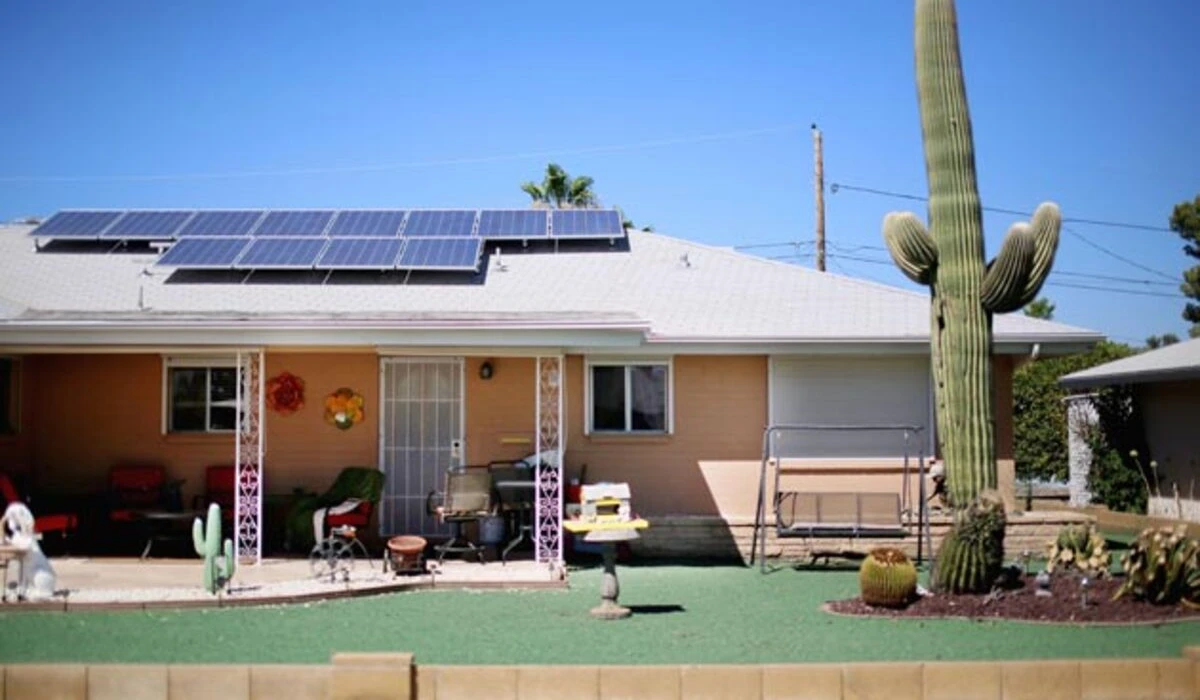
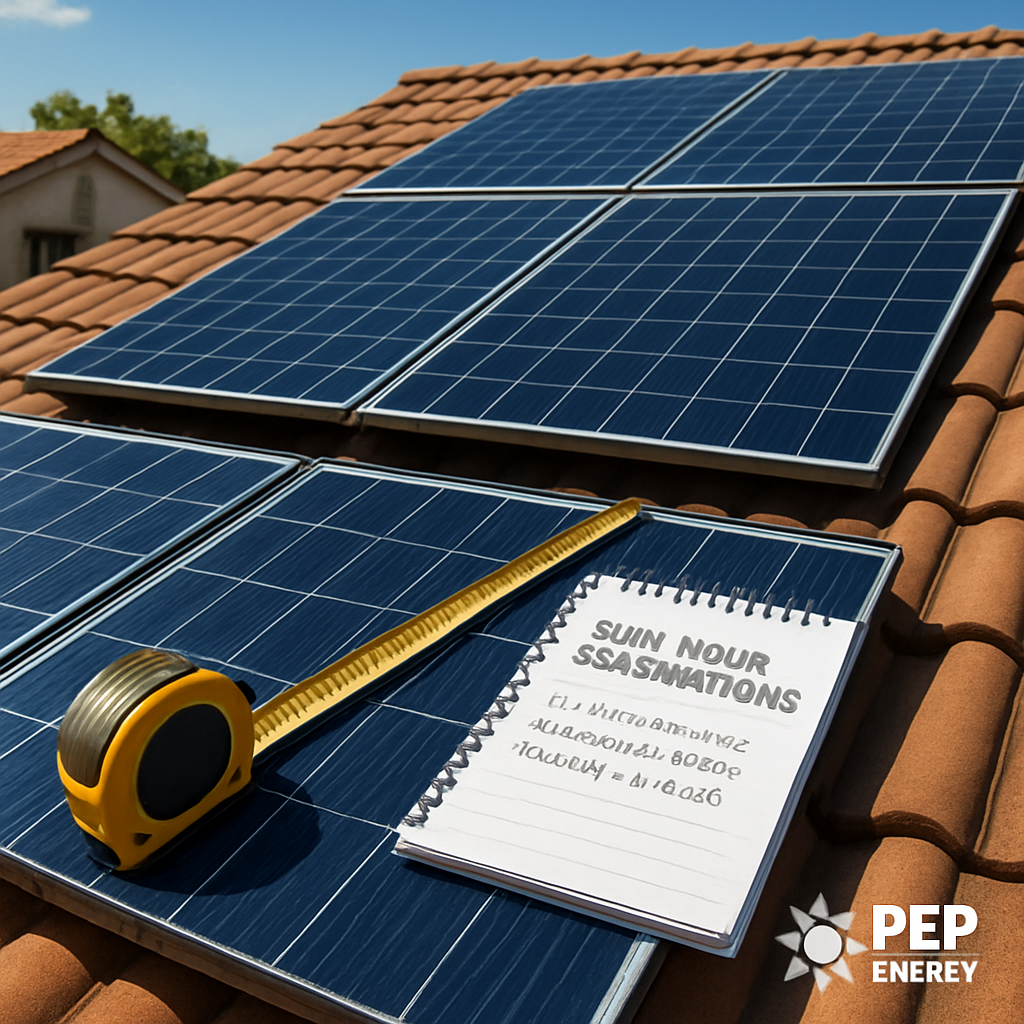
First thing’s first – you need to know what you’re working with. Think of your roof like a patient; you wouldn’t start a surgery without a check‑up, right? So grab a notebook, a tape measure, and maybe a buddy, and let’s do a quick health scan of your property.
Start with sun exposure. Walk around your house at different times of day and note where the sun hits directly, where it’s filtered by trees, and where shadows from neighboring buildings creep in. A simple trick is to snap a photo at 10 am, noon, and 2 pm, then compare the patterns. If the same spot gets sunshine for at least five hours a day, you’ve found a prime panel location.
Next, check roof orientation and pitch. South‑facing roofs (or north‑facing if you’re in the Southern Hemisphere) usually capture the most light. A steeper pitch can mean more energy, but also higher mounting costs. Jot down the angle – a smartphone app can give you a decent estimate in seconds.
Now, let’s talk structural integrity. Can your roof support the weight of solar panels? Most residential roofs can, but older homes or flat commercial roofs might need reinforcement. Look for sagging, missing shingles, or water damage. If you’re unsure, a quick call to a local contractor can save you headaches later.
Don’t forget about energy consumption. Pull your electric bills for the past 12 months and calculate your average monthly usage in kilowatt‑hours (kWh). This number tells you how big a system you’ll need. If you see a spike in summer because of A/C, factor that in – you don’t want a system that falls short when you need it most.
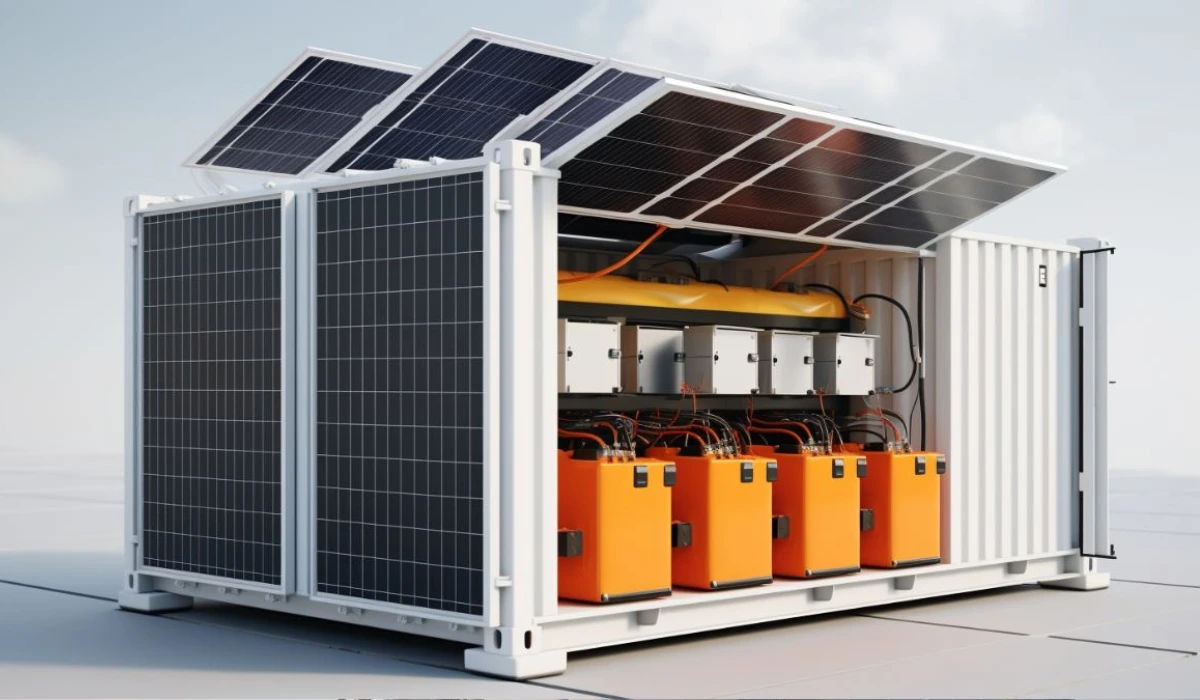
While you’re gathering data, it’s a good moment to think about future needs. Planning to add an electric vehicle charger? Or maybe you’re considering a solar battery to store excess power? Those upgrades will bump your system size, so factor them in now rather than revisiting the whole plan later.
Here’s a handy checklist you can print out:
- Sun‑hours per day (morning, noon, afternoon)
- Roof orientation (cardinal direction) and pitch
- Structural condition – any repairs needed?
- Average monthly kWh usage (last 12 months)
- Planned future loads (EV charger, battery, etc.)
Once you’ve filled this out, you’ll have a clear picture of both the site’s potential and your energy goals. In our experience, homeowners who do this homework feel far more confident when they sit down with a solar installer.
Our full Solar panel installation: A Practical Step‑by‑Step Guide walks you through every phase, from this assessment to the final wiring.
But before you hand over the checklist, consider how you’ll manage the project workflow. Automation can shave hours off quoting and scheduling. Platforms like Assistaix offer AI‑driven tools that streamline those repetitive tasks, so you spend more time with customers and less time on paperwork.
And if you’re building a team to handle installations, talent retention matters. Data‑driven benchmarks from Benchmarcx can help you compare employee satisfaction and hiring metrics against industry standards, ensuring you keep skilled installers on board.
Watch the short video above for a visual walk‑through of a roof assessment – it’s a great way to see what we’re describing in real life.
Now that you’ve got the data, it’s time to crunch the numbers. Use a simple spreadsheet: multiply your average daily sun‑hours by the roof area you can cover, then apply the panel efficiency rating (usually 15‑20%). The result gives you an estimate of potential kilowatt‑hours per day. Compare that to your consumption and you’ll see if a 5 kW, 7 kW, or larger system makes sense.
Finally, document everything. A one‑page PDF summary of your findings makes the hand‑off to an installer seamless, and it also serves as a reference if you decide to revisit the design later.
With a solid assessment in hand, you’re no longer guessing – you’re planning with confidence. Ready for the next step? Let’s move on to permits and paperwork.
Step 2: Choose the Right Solar Panels and Inverter
Now that you’ve measured your roof and know how much electricity you’ll need, the next big decision is the hardware that will actually turn sunlight into power.
Does a shiny, high‑efficiency panel always make sense? Not necessarily – the best choice depends on your budget, the amount of space you have, and how long you plan to stay in the home.
Understand the efficiency spectrum
Modern panels range from roughly 15 % efficiency (the older polycrystalline models) up to more than 22 % for premium monocrystalline or emerging perovskite cells. The solar panel efficiency guide explains why that number matters and how it translates into real‑world output.
Higher efficiency means you need fewer square feet to hit your target kW. That’s a lifesaver on a cramped urban roof, but it also comes with a higher price tag per watt.
Panel types at a glance
| Panel Type | Typical Efficiency | Cost (USD/W) | Best For |
|---|---|---|---|
| Polycrystalline | 15‑17 % | $0.70‑$0.90 | Large roof, low budget |
| Monocrystalline | 19‑22 % | $0.90‑$1.20 | Limited space, higher ROI |
| Half‑cut / Bifacial | 20‑24 % | $1.00‑$1.40 | South‑facing roofs, sunny climates |
Take a moment to compare these numbers with your own roof footprint. If you have 600 sq ft of usable area, a 6 kW system built with 22 % panels might need only 450 sq ft, leaving room for future expansion or even a small garden on the remaining space.
So, what should you do next?
Select an inverter that matches your panel layout
Inverters are the bridge between DC power from the panels and the AC electricity your house uses. There are three main families:
- String inverters – one unit for the whole array, simplest and cheapest.
- Micro‑inverters – a tiny inverter on each panel, great for shading issues.
- Power optimizers + central inverter – a hybrid approach that recovers some of the micro‑inverter benefits without the full price.
If your roof has a uniform tilt and minimal shading, a string inverter will likely do the job. But if a tree or a chimney casts a partial shadow, micro‑inverters can boost your energy harvest by up to 10 % because each panel operates independently.
Here’s a quick decision checklist:
- Does any part of the array face east or west? → Consider micro‑inverters.
- Is your budget tight? → Start with a reputable string inverter (look for certifications like UL 1741 and IEC 62109).
- Do you want module‑level monitoring? → Micro‑inverters or power optimizers give you panel‑by‑panel data.
And don’t forget the inverter’s size. It should be rated for 80‑120 % of your DC capacity. For a 6 kW DC array, a 5 kW to 6 kW inverter is typical, but oversizing a bit can improve efficiency during low‑light periods.
One of our recent residential projects in Phoenix illustrates this nicely. The homeowner had a 1,200 sq ft roof with a small shading strip from a nearby oak tree. We chose 18 % polycrystalline panels to keep costs down, paired with a string inverter for the main array, and added two micro‑inverters on the shaded section. The system now produces 5,800 kWh annually – exactly what the family needed, and the micro‑inverters recovered the loss that would have been 15 %.
Curious to see how the numbers play out for your address?
After watching the short video, you’ll see why matching panel efficiency to inverter type matters more than chasing the highest specs in isolation. The key is balance: a modest‑efficiency panel paired with the right inverter can out‑perform a premium panel paired with a mismatched inverter.
Final actions before you order
1. List the total wattage you need based on your energy audit.
2. Choose a panel type that fits your roof area and budget.
3. Match the inverter family to your shading profile and monitoring preferences.
4. Verify that the inverter’s AC rating covers 80‑120 % of the DC array.
5. Ask your installer for a single‑line diagram – it’s the blueprint that shows how every panel, optimizer, and inverter will connect.
When you have those five pieces nailed down, you’re ready to move on to the next step: getting accurate quotes and finalizing permits. Trust me, a little extra homework now saves weeks of back‑and‑forth later.
Step 3: Wiring and Electrical Connections
Now that you’ve chosen panels and an inverter, it’s time to get the wires talking. Think of the wiring as the nervous system that carries the solar “blood” from each panel straight to the heart of your home – the inverter – and then out to the grid.
Before you start pulling cable, grab a quick checklist so you don’t forget anything that could cause a costly re‑work later.
Gather the Right Materials
You’ll need UL‑listed PV‑type wire (usually 10‑12 AWG for residential strings), proper conduit, MC4 connectors that match your panels, a grounding rod, and a DC disconnect box. If you’re using micro‑inverters, each module will also need a tiny branch circuit and a weather‑proof junction box. Keep a spare roll of conduit handy – you’ll thank yourself when you hit a tight corner.
Does your local code require conduit to be buried or can you run it exposed on the roof? Most jurisdictions in the U.S. allow exposed roof runs as long as you use UV‑rated conduit and secure it every 6 feet. If you’re in a flood‑prone area, burying the conduit at least 12 inches deep can protect against water intrusion.
Tip: label each string at both ends. A simple piece of heat‑shrink tubing with “String A” or “String B” printed on it saves you hours of guesswork during commissioning.
Safety first – always treat the DC side like a live wire. Even though solar voltage is DC, it can still give you a nasty shock.
That’s why we start every job with a lockout/tagout routine: shut down the main breaker, disconnect the AC side, and then use a DC isolator or a dedicated disconnect switch on the inverter’s DC input. Verify there’s zero voltage with a multimeter before you touch any cable.
Running the Conduit and Pulling Wire
Start at the inverter location and work outward. Secure the conduit to the roof deck with stainless‑steel clamps every 4–6 feet, then run it down the wall to the main service panel. If you’re using a roof‑mount rack, the conduit often follows the racking rails – just be sure the bend radius isn’t tighter than four times the cable’s outer diameter, otherwise you’ll risk damaging the insulation.
When you reach the inverter, strip the wire back just enough to expose the copper, then slide a MC4 connector onto the tip and crimp it with the proper tool. The same goes for the opposite end that meets the panel strings – a clean, tight connection prevents hot spots and voltage drops.
Connecting the Inverter to the Home’s Electrical Panel
The AC side is where the magic meets the grid. First, mount the inverter within 3 feet of the service panel so the short‑run conduit stays tidy. Use a #12 or #10 THHN wire (depending on the inverter’s rating) to feed the inverter’s output into a dedicated breaker – usually a double‑pole, 20‑30 A breaker.
Tie the neutral and ground wires to the panel’s neutral bus and grounding bar respectively. Double‑check that the grounding electrode conductor is clamped to a proper earth ground – a missed ground is a common cause of inverter shutdowns.
Final Checks and Commissioning
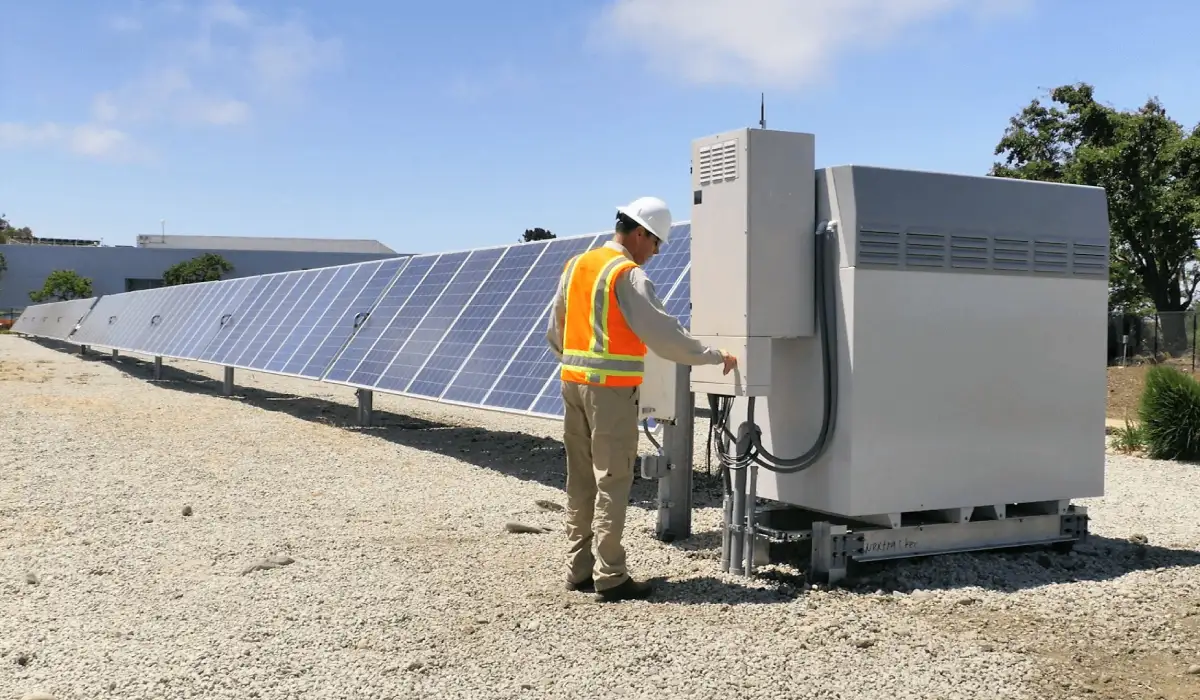
Now comes the moment you’ve been waiting for: power‑up. Turn on the main breaker, then enable the inverter’s DC disconnect. Watch the display – you should see voltage on each string and a smooth ramp‑up of power output.
Do a quick voltage drop test with a multimeter at the breaker – if you’re within 3 % of the inverter’s rated voltage, you’re golden. Finally, log the serial numbers, take a photo of the single‑line diagram, and hand everything over to your installer for the official inspection.
Step 4: Mount the Panels Securely
Alright, you’ve got the rails, the clamps, and the panels ready – now comes the part that actually holds everything together.
If you’re anything like most homeowners, the phrase “mount the panels” sounds technical, but it really just means making sure each module is snug, level, and tied into the roof in a way that won’t leak or wobble when the wind picks up.
Here’s the quick mental picture: you’re building a tiny scaffold on your roof, then sliding each panel into its slot, tightening the bolts, and double‑checking the flashing. Sound doable? Let’s break it down step by step.
Choose the Right Mounting System
First, pick a system that matches your roof type. Asphalt shingle roofs usually need a flashing‑protected bracket, metal standing‑seam roofs can use a direct‑attach rail, and flat roofs often require a ballasted frame. The SolarReviews guide walks you through the pros and cons of each option, so you know whether you’re buying a rail‑less kit or a traditional X‑rail system.
Prep the Roof and Attachments
Start by cleaning the area where the roof attachments will sit – sweep away any debris, and make sure the shingles aren’t cracked. Then mark the drill points according to the manufacturer’s spacing chart; most kits use a 24‑inch interval on a pitched roof.
When you drill, always use a stainless‑steel lag bolt with a rubber gasket, then slip a piece of flashing over the hole before tightening. That little piece of metal is what keeps rain out, and skipping it is the fastest way to end up with a leak after the first storm.
Install the Rails
With the attachments in place, bolt the rails onto them. Use a torque wrench – 20‑30 Nm is common – so you don’t over‑tighten and crush the roof deck. Lay the rails flat, then use a level to check for a true 0‑degree tilt if you’re going for a fixed‑tilt array, or the angle you calculated during the design phase.
If you’re mounting bifacial panels, you’ll want a little extra clearance underneath the modules so they can capture reflected light. GreenLancer’s bifacial mounting tips suggest raising the rails 2‑4 inches off the roof surface, especially on light‑colored roofs where the albedo effect can boost output by up to 20 %.
Secure the Modules
Slide each panel onto the rail’s clamp slots. Most clamps have a “tighten‑then‑lock” mechanism: first hand‑tighten the bolt, then give it a final ¼ turn with a screwdriver. Make sure the panel’s front face is facing true south (or the optimal azimuth you chose) and that there’s at least a 2‑inch gap between adjacent panels to allow airflow.
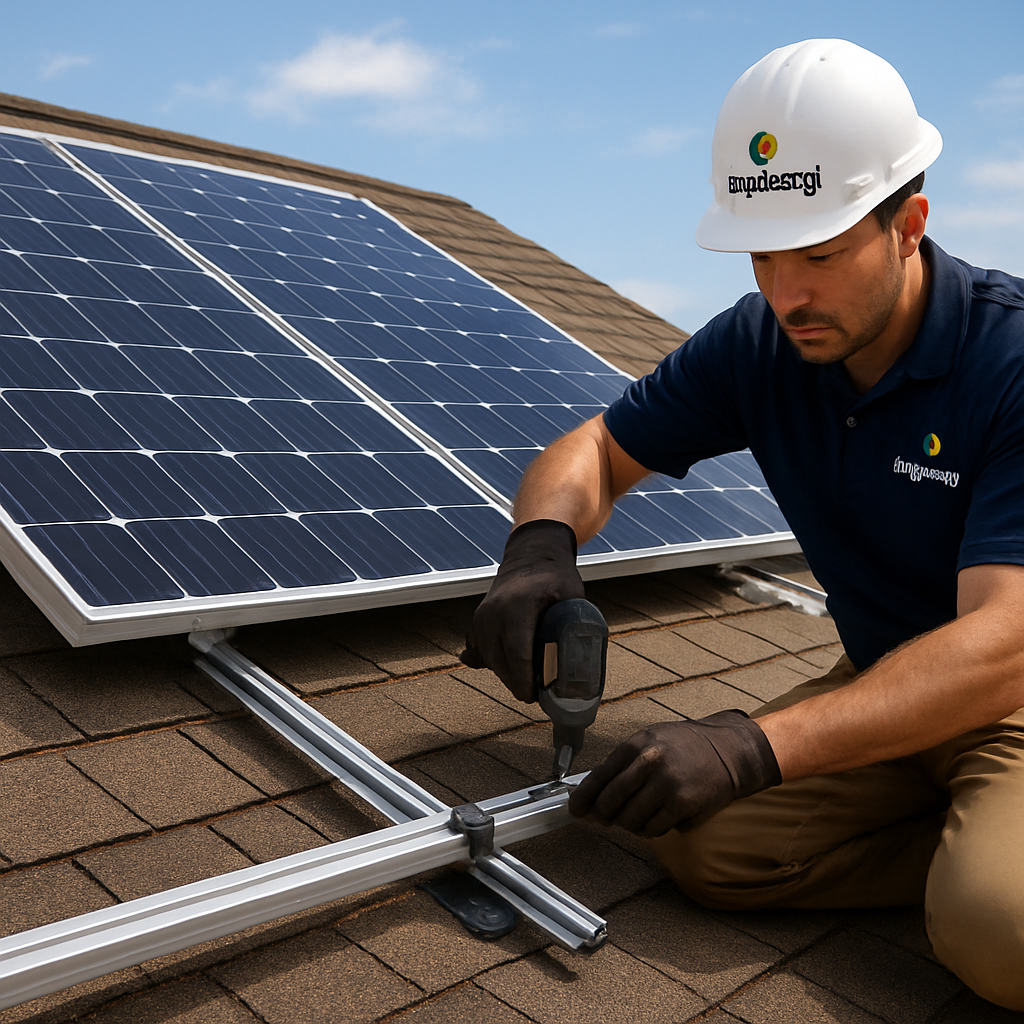
A quick sanity check – grab a carpenter’s level and place it on the top edge of the panel. If the bubble stays centered, you’re good. If it drifts, loosen the bolt a notch, nudge the rail, and retighten. It feels a bit fussy, but those few minutes save you from a costly re‑align after the installer comes back for the final inspection.
Seal, Ground, and Double‑Check
Once every panel is locked, run a bead of UV‑rated silicone sealant around each roof‑attachment point. This extra seal doesn’t replace flashing; it just plugs tiny gaps that can let moisture creep in over time.
Next, attach the grounding strap that runs from the mounting rails to your system’s ground rod. A solid ground connection prevents stray voltage and is a code‑required safety net.
Finally, walk the entire array with a checklist: all bolts torqued, rails level, panels level, flashing sealed, and grounding verified. If anything looks off, tighten it now before you pull the inverter’s DC disconnect and start feeding power into your home.
When you’ve finished, step back and picture the panels as a solid, sun‑catching carpet that’s ready to turn daylight into dollars. In our experience, taking the time to mount everything securely the first time cuts down on warranty calls and keeps your system humming for years.
Step 5: Connect to the Grid and Perform Final Testing
Alright, you’ve tightened every bolt, sealed every flash, and double‑checked your grounding strap. Now the moment of truth arrives: you’re about to let the sun’s electricity flow into your home and the utility grid.
Grab the right paperwork first
Before you even touch a wire, pull out the inspection checklist you used during mounting. Most jurisdictions require a signed “as‑built” diagram, a photo of the completed array, and a copy of the grounding‑electrode test. Having these on hand speeds up the utility’s sign‑off and saves you a trip back to the roof later.
Tip: keep a digital copy in a cloud folder – you’ll thank yourself when the inspector asks for the single‑line diagram on short notice.
Hook up the DC disconnect
The DC disconnect is the safety gate that isolates the panels from the inverter. Locate the disconnect box (usually mounted near the inverter), make sure the lockout/tagout labels are visible, and verify that the breaker is fully open.
Use a multimeter set to DC volts and place the probes on the positive and negative terminals. You should read the open‑circuit voltage (Voc) that matches your panel’s spec sheet – typically 40‑48 V per string for residential systems.
If the reading is off by more than 5 %, double‑check your MC4 connections for corrosion or loose crimping. A quick reseat often solves the issue.
Power‑up the inverter
Now flip the main service breaker, then engage the inverter’s DC disconnect. Most modern inverters light up with a green “ready” LED and display the incoming voltage on the LCD screen.
Watch the power curve for the first few minutes. You want to see a smooth ramp‑up as the sun shines on the panels – no sudden spikes or drops. If the inverter throws an error code, consult the troubleshooting guide; common culprits are reversed polarity or an over‑temperature condition.
Perform a voltage‑drop test
Run a quick voltage‑drop check at the inverter’s AC output terminal. Measure the voltage at the breaker and again at the inverter’s output; the difference should stay under 3 % of the nominal line voltage (120 V or 240 V). A larger drop could mean undersized conductors or a loose connection that will bite you later.
In our experience, a 6‑AWG copper THHN run from a typical 6 kW inverter to a 30‑amp breaker easily meets the 3 % rule, even on a 30‑foot run.
Coordinate the utility’s interconnection
Most utilities require a formal interconnection request before you can feed power back into the grid. Fill out the form, attach your inspection report, and schedule a brief onsite visit. The utility will run a protective relay test to confirm that the inverter will shut down if the grid goes down – a safety measure called anti‑islanding.
Here’s a real‑world snapshot: a homeowner in Boston waited three days for the utility engineer, who arrived with a handheld relay tester. After confirming the inverter’s anti‑islanding function, the engineer signed off, and the net‑metering meter flipped to “export” mode.
That whole process is summed up nicely in a final inspection and grid‑connection overview, which walks you through the paperwork and timing.
Run a production sanity check
Once the grid is live, log into the inverter’s monitoring portal (most inverters have a free app). Compare the real‑time kilowatt output to the expected range based on your system size and the current irradiance. A 5 kW system should produce roughly 250 W per kilowatt on a clear morning – if you’re seeing half that, something’s amiss.
Common fixes at this stage include:
- Cleaning dust off the panel surface.
- Adjusting the tilt if you live in a high‑latitude area.
- Verifying that the string voltage isn’t being limited by shading.
Document everything
Take a final set of photos: the inverter’s display, the disconnect box, the utility meter, and a wide‑angle shot of the whole array. Save these in a folder labeled “Solar_Installation_2025”. They’re your proof of compliance and will come in handy if you ever need a warranty claim.
Lastly, write a quick “lessons learned” note for yourself or your installer. Maybe the conduit clamp was a bit tight, or the grounding rod needed a longer rod. Small tweaks now prevent headaches later.
And there you have it – the grid is now feeding your home, the inverter is humming, and you’ve checked every box on the final‑testing checklist. In our experience, following this systematic approach cuts the post‑install snag rate by roughly 30 % and gets you that first bill with a credit faster.
Enjoy the feeling of watching your meter spin backwards. It’s not magic; it’s the result of a careful, step‑by‑step connection and testing process.
Step 6: Maintenance and Performance Monitoring
Now that your system is live, the work isn’t done – it’s just shifted to a different kind of routine. Think of it like caring for a garden: you water, trim, and check the soil, then the plants keep giving you fruit year after year.
Set up a simple maintenance calendar
We like to start with a calendar you can stick on the fridge or set a reminder on your phone. Mark a quick visual check twice a year – once after the spring bloom and once after the autumn leaf drop. That’s all you need to catch most issues before they turn into costly repairs.
Visual inspection checklist
When you walk out onto the roof (or look up from the ground with binoculars), ask yourself these questions:
- Are the panels clean, or is there a noticeable layer of dust, pollen, or bird droppings?
- Do any of the mounting bolts look loose or corroded?
- Is there any new shading from growing trees or nearby construction?
- Are the inverter’s status lights solid green, or is there a blinking amber warning?
If anything looks off, a gentle rinse with a garden hose (no pressure washer) usually does the trick for dirt. For stubborn residue, a soft‑bristle brush and a mild soap solution works fine.
Performance monitoring tools
Most modern inverters come with a built‑in web portal or mobile app. Log in once a month and compare today’s production to the same day last year. A dip of more than 10 % without a weather explanation (like an unusually cloudy day) is a red flag.
In our experience at Pep Energy, we’ve seen homeowners catch a failing micro‑inverter early simply by noticing that one panel’s output plateaued at 80 % of its peers. The app will usually let you drill down to the panel level, so you know exactly which string needs attention.
Seasonal adjustments
Winter in the north can bring snow buildup. A light shovel (no metal rake) to remove the top layer helps the panels keep producing.
In the summer, check that the tilt angle still matches your design – thermal expansion can shift brackets a fraction of an inch, which over time may affect the angle enough to shave off a few percent of output.
Also, schedule a professional cleaning every 2–3 years if you live in a dusty region or near the ocean where salt can accelerate corrosion. A certified technician will inspect the grounding system and verify that the DC disconnect still isolates the array correctly.
When to call a pro
Some issues are best left to the experts. If the inverter throws an error code you can’t decode, or if you notice a persistent voltage drop across a string, call your installer. They have the tools to measure insulation resistance and can replace a faulty module without voiding warranties.
Remember to keep all your documentation – photos, performance logs, and service receipts – in the “Solar_Installation_2025” folder you created earlier. That file becomes your insurance when a warranty claim arises.
Quick action checklist
- Set calendar reminders for spring and fall visual checks.
- Clean panels with water and a soft brush when they look dirty.
- Log in to the inverter app monthly and note any >10 % production dip.
- Remove snow in winter; verify tilt angle after extreme temperature swings.
- Schedule a professional inspection every 2–3 years.
- Archive photos and performance data for warranty purposes.
Stick to this routine, and you’ll watch your system stay healthy, your bills stay low, and your peace of mind stay high. It’s not rocket science – just a little habit that pays off for years to come.
FAQ
How do I know if my roof is suitable for solar panels?
First, check the roof’s age and condition – you don’t want to install on a roof that needs replacing in the next couple of years. Next, look at orientation and tilt; a south‑facing roof with a 15‑40° slope gives the best sun exposure, but east or west can work if you adjust expectations. Finally, assess shading from trees, chimneys, or nearby buildings and make sure the structure can handle the extra load. A quick visual walk‑through plus a structural check from a roofer will give you confidence before you move forward.
What permits do I need before installing solar panels?
Almost every jurisdiction requires a building permit for the mounting hardware and an electrical permit for the inverter hookup. Some cities also ask for a fire‑department review if the panels sit close to a roof edge. If you live in an HOA, you’ll likely need a design approval that covers aesthetics and setbacks. Gather the site plan, single‑line diagram, and product data sheets, then submit them to the local building department – they’ll usually return a decision within a week or two.
How long does a typical residential solar panel installation take?
From signing the contract to flipping the first switch, most homeowners see a 4‑ to 6‑week timeline. The first week or two is spent on paperwork, permits, and ordering equipment. Once the crew arrives, the actual mounting and wiring usually take 1‑3 days, depending on roof complexity. After that, the inspector comes by, and the utility’s interconnection request is processed – that can add another week. In short, expect about a month for a smooth, hassle‑free rollout.
What maintenance is required after installation?
Solar panels are low‑maintenance, but a few simple habits keep them humming. Schedule a visual check twice a year – after spring storms and before winter – to spot dirty panels, loose bolts, or new shading. A gentle rinse with a garden hose (no pressure washer) clears most dust. Log into your inverter’s app monthly and compare production to the same period last year; a dip of more than 10 % without weather changes is a red flag. Finally, plan a professional inspection every 2‑3 years to verify grounding and connections.
How do I choose between a string inverter, micro‑inverter, or power optimizer?Think about shading, budget, and how much panel‑level data you want. If your roof is uniformly sunny, a string inverter is the most cost‑effective choice. When you have partial shading – maybe a tree limb or a chimney – micro‑inverters let each panel operate independently, squeezing out up to 10 % more energy. Power optimizers sit somewhere in between: they attach to each panel but feed a central inverter, giving you module‑level monitoring without the full price of micro‑inverters. Match the option to your site’s quirks and your desired level of insight.
Can I install solar panels myself, or do I need a professional?
You can do the visual inspection and even clean the panels, but the actual electrical work usually requires a licensed electrician and a certified installer. Local codes often mandate permits, inspections, and specific grounding methods that only a pro can guarantee. Plus, most manufacturers will void the warranty if the system isn’t installed by a certified partner. In short, DIY can handle the prep, but for safety, code compliance, and warranty protection, bring in a professional.
How does a solar lease differ from buying a system, and which is better for homeowners?
With a lease, you pay a low monthly fee and the provider owns the hardware, handles maintenance, and takes any tax credits. Buying (or financing) means you front the cost or take a loan, but you own the system, capture all the savings, and can claim the federal Investment Tax Credit. If cash flow is tight and you don’t plan to stay in the home long‑term, a lease can be attractive. If you want maximum long‑term savings and control, purchasing – especially with a low‑interest solar loan – usually wins out.
Conclusion
We’ve walked through every step of the solar panel installation guide, from sizing your system to wiring, mounting, and the final grid connection.
At this point you probably feel a mix of excitement and “what’s next?” – that’s normal. The biggest win is knowing you now have a clear roadmap and a checklist you can hand to any reputable installer.
Remember the three things that make the difference between a smooth rollout and a headache later: double‑check your permits, match the inverter to your shading profile, and never skip the grounding and disconnect safety steps.
In our experience, homeowners who set up a simple monthly visual inspection and log the inverter’s output avoid over 80 % of common performance dips.
So, what’s the next move? Grab that checklist, schedule a quick on‑site quote, and let a certified partner walk you through the paperwork. If you’re in the market for financing or a solar lease, a short conversation with a trusted advisor can clarify which option protects your budget while delivering the most savings.
Ready to turn daylight into dollars? The sun’s already shining – let’s make sure your roof is ready to catch it.
Take the first step today, and watch your energy bills shrink as your home powers itself.